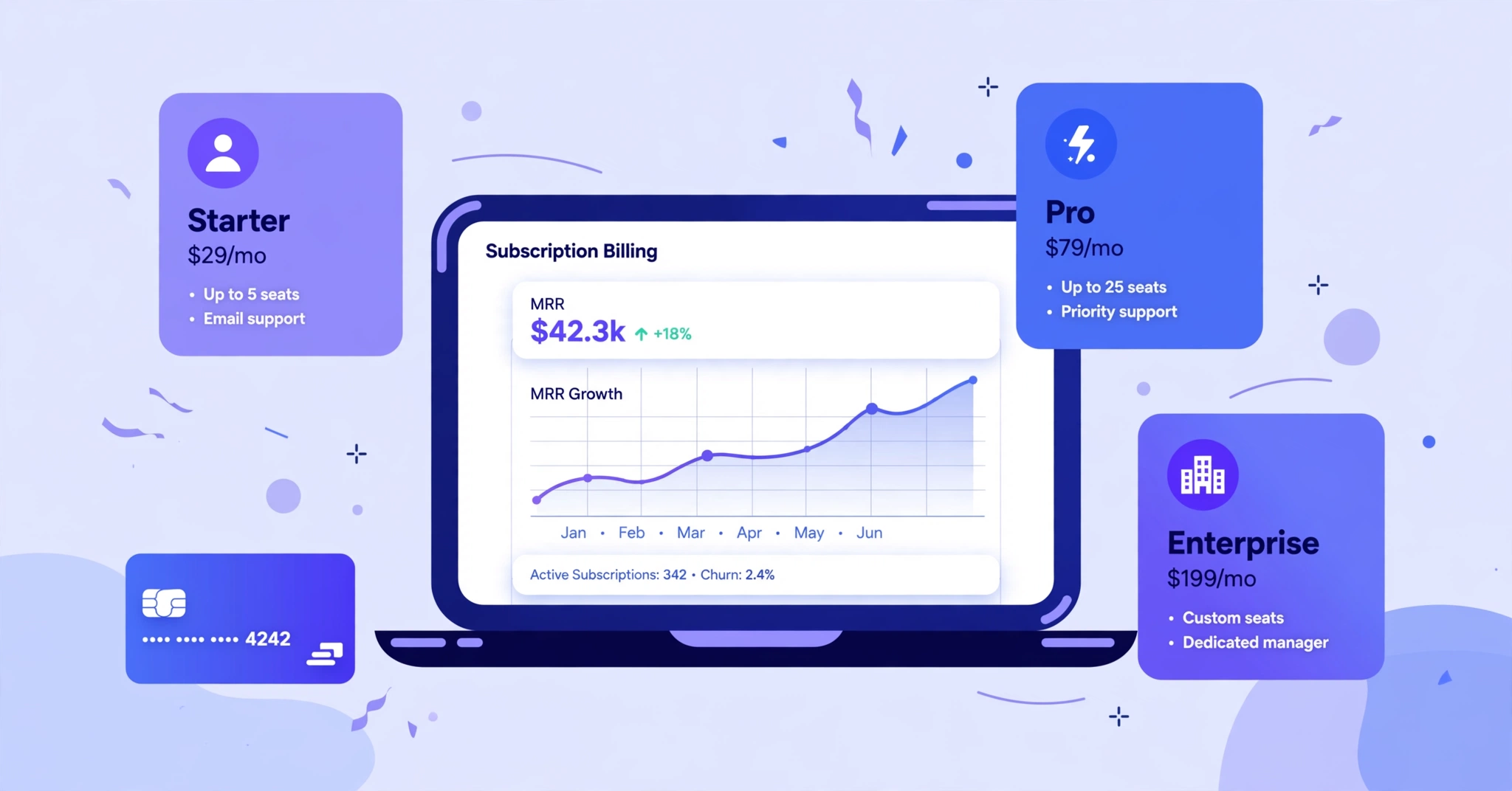
Subscription management software is the system that runs your recurring revenue: it bills customers on schedule, retries failed payments, handles upgrades and cancellations, and tells you exactly how much money is coming in next month. If you sell anything on a recurring basis — software plans, memberships, maintenance contracts, subscription boxes — this software is the difference between revenue you can count on and revenue you hope shows up.
Here is why it matters more than most small businesses expect. A single expired credit card can quietly end a customer relationship you spent $200 acquiring. Good subscription billing software catches that failed charge, retries it, emails the customer to update their card, and saves the account — all while you are busy doing literally anything else. This guide breaks down what these tools do, which ones are worth your money in 2026, and how to choose one without overbuying.
Key takeaways
- Subscription management software automates recurring billing, invoicing, dunning, renewals, and revenue reporting.
- Small businesses typically pay $25–$300/month, or a small percentage of billing volume, depending on the tool.
- Stripe Billing is the easiest starting point if you already process payments with Stripe; Chargebee and Recurly handle more complex pricing and churn recovery.
- Failed payments (involuntary churn) are the quietest revenue leak — automated dunning recovers a large share of them.
- Choose based on your pricing model and transaction volume first, the feature list second.
What does subscription management software actually do?
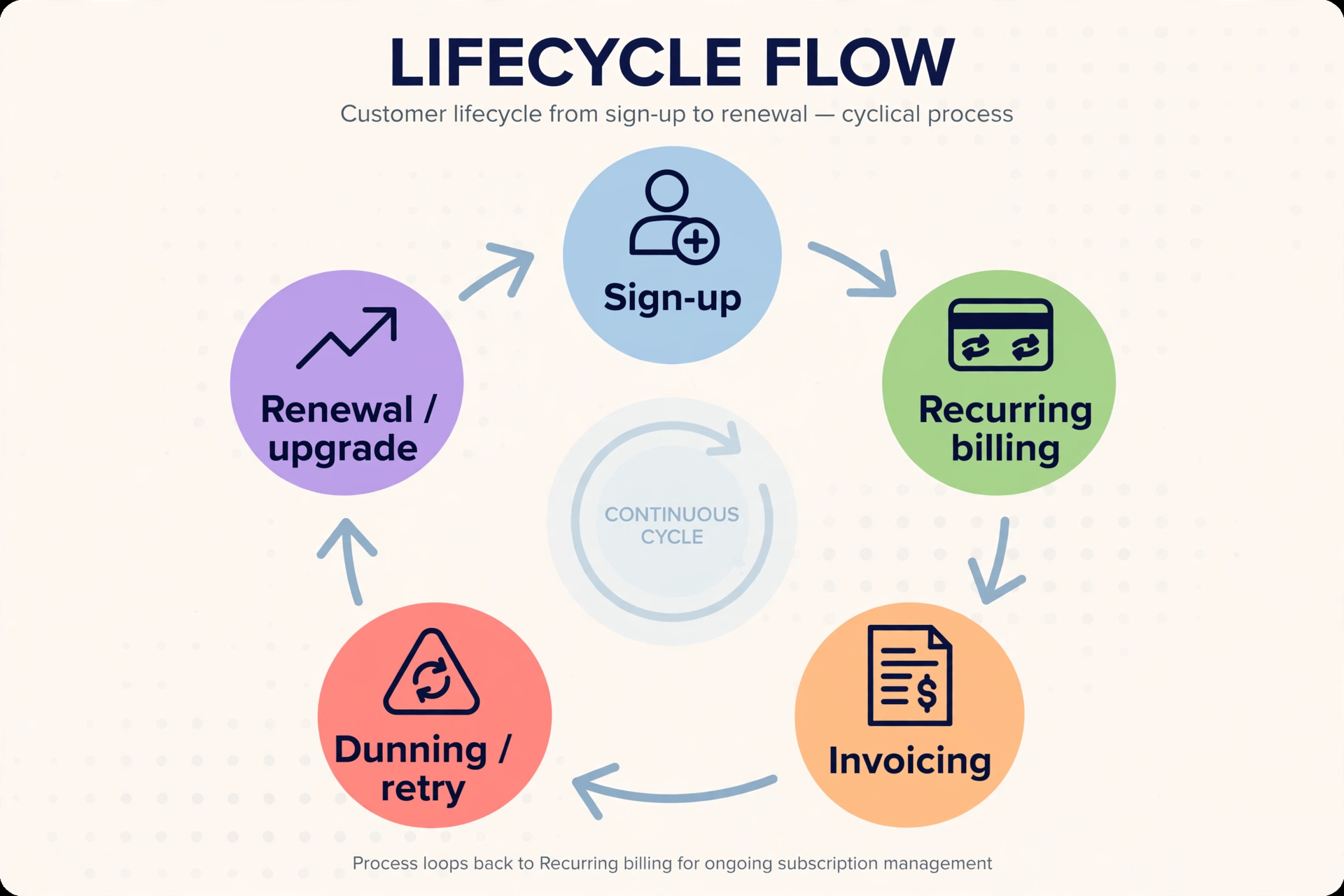
Think of it as the operating system for recurring revenue. A customer signs up for a $49/month plan. The software records the plan, generates the invoice, charges the card, sends the receipt, and updates your revenue dashboard — then does it all again next month without being asked. When the customer upgrades mid-cycle, it prorates the charge. When a card expires, it retries the payment and follows up. When they cancel, it schedules the end of service and logs the reason.
That is different from a payment processor. Stripe moves money; Stripe Billing — Stripe’s subscription layer — is what remembers who owes what, when, and why. Your accounting software records what already happened; subscription management software makes the billing happen and explains why revenue moved. The two should sync automatically, and with the right integrations they do.
What breaks first when you manage subscriptions by hand?
Picture a founder in Austin with 140 customers across three pricing tiers. She bills through payment links and tracks renewals in a spreadsheet. One month, fourteen cards fail — expired, replaced, flagged by the bank. She does not notice for three weeks. By the time she follows up, six customers have moved on. That is close to $3,500 in annual revenue, gone, because nobody asked for an updated card.
This is involuntary churn, and it is how small subscription businesses lose money without ever making a decision. The customer did not choose to leave. The payment just failed and nobody followed up. ThriveCart’s research found that 68% of consumers stay loyal to brands they buy from regularly even when prices rise — which means every one of those accidental cancellations was a loyal customer you did not have to lose.
Manual billing breaks in other ways too. Proration math on mid-cycle upgrades will eventually go wrong in a spreadsheet. Sales tax gets complicated the moment you sell into multiple states. And the simplest question — “how much recurring revenue do we actually have right now?” — is one your bank statement cannot answer. Once you pass a few dozen subscribers, doing this by hand stops being thrifty and starts being expensive.
Which features actually matter when you are choosing?
Vendors love long feature lists. Most of it will not matter to you. These five questions cut through the noise.
Can it handle your pricing model?
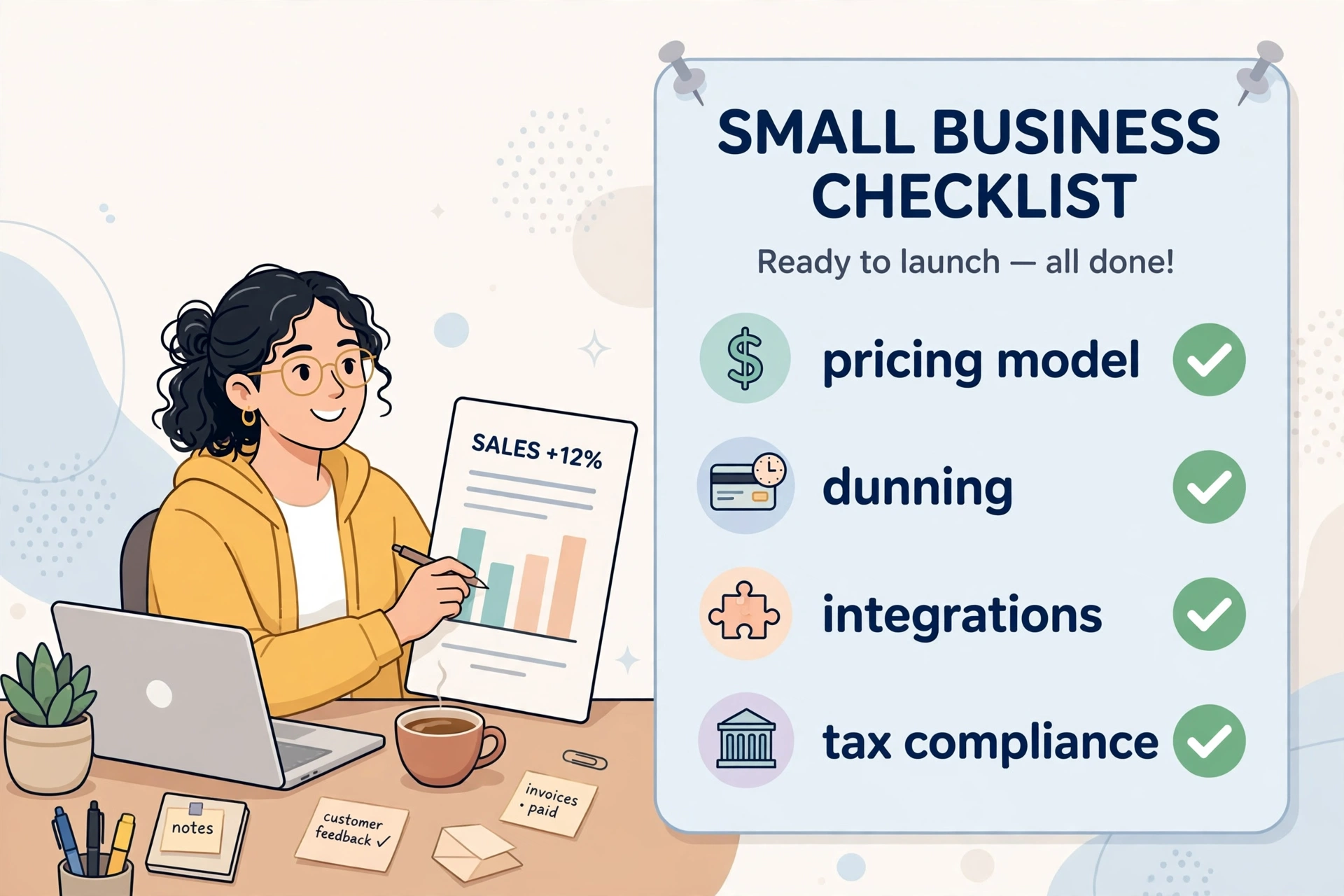
Flat monthly pricing is easy — every tool handles it. The trouble starts with free trials that convert automatically, annual plans with monthly add-ons, usage-based overages, and seat-based tiers that change whenever a customer hires someone. Write down your actual pricing, including the awkward edge cases, before you watch a single demo. If you charge per seat or per use, confirm the tool calculates it natively instead of through workarounds and custom fields. Getting this wrong means billing errors that erode trust fast. For help thinking through the model itself, read our guide to SaaS pricing strategies that actually work and how founders set prices for their first customers.
Does it recover failed payments on its own?
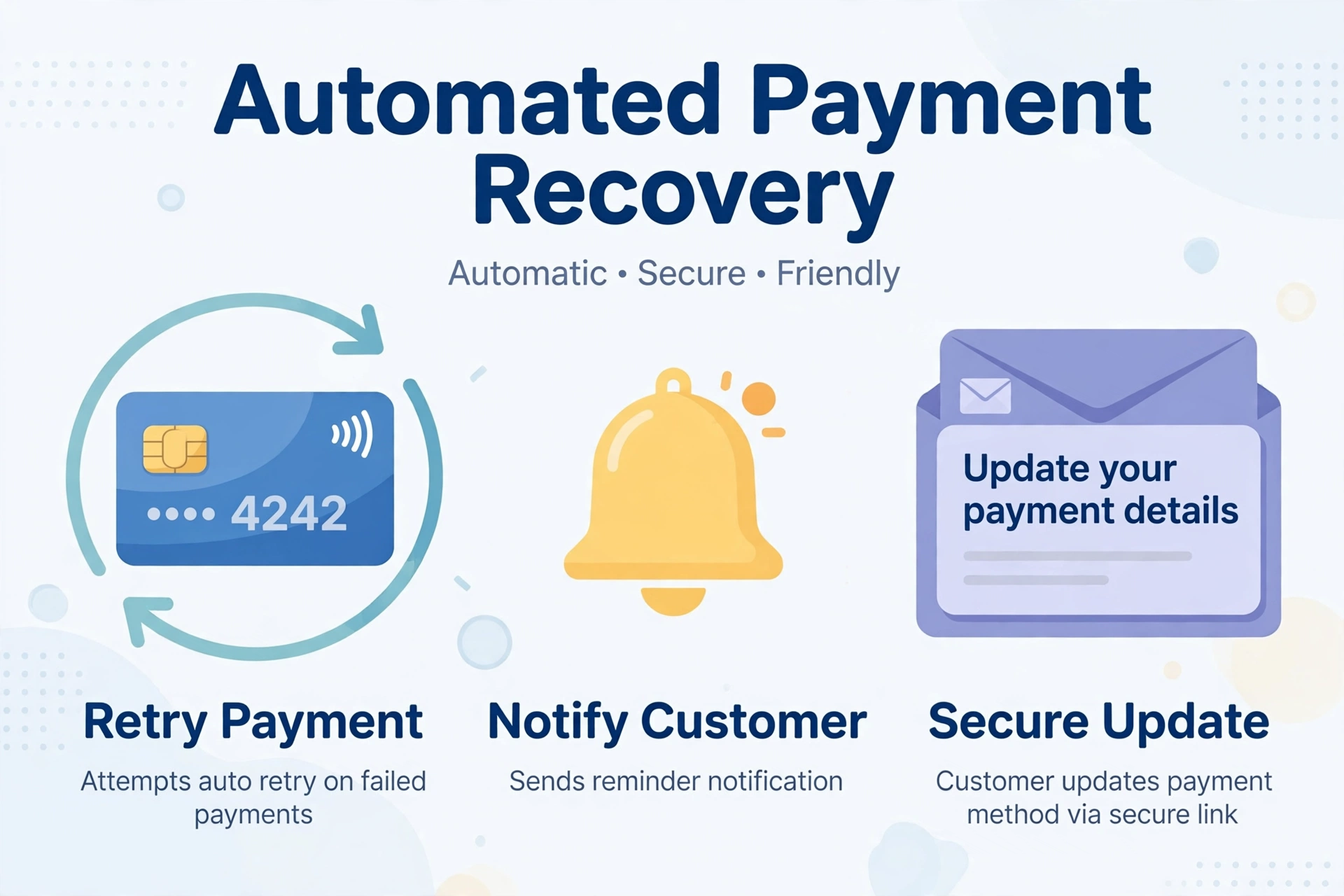
This is dunning management: automatic card retries at sensible intervals, plus emails that make it easy for the customer to update their payment details. Ask every vendor what share of failed payments their system typically recovers, and whether the retry logic works out of the box or needs configuring. For most small businesses, this single feature pays for the entire subscription.
Will it talk to the tools you already use?
At a minimum, you want clean integrations with your accounting software (QuickBooks or Xero) and your CRM (HubSpot or Salesforce). Without them, someone reconciles revenue by hand every month and your sales team works blind. Look for native, two-way integrations — not “export a CSV and upload it over there.”
Can you see the numbers that actually matter?
You need monthly recurring revenue (MRR), churn rate, customer lifetime value, and trial-to-paid conversion at a glance — not buried three menus deep in a report builder. If the dashboard cannot answer “are we growing?” in ten seconds, keep shopping.
Does it keep you compliant without a lawyer on retainer?
Sell across state lines and sales tax rules change by jurisdiction; sell internationally and VAT enters the chat. Look for automatic tax calculation and PCI-compliant card handling built in. If you plan to sell in Europe, a merchant-of-record option — where the vendor is legally the seller and handles tax and compliance for you — is worth serious money.
How much does subscription management software cost?
Three pricing shapes dominate: flat monthly fees, usage-based pricing (a percentage of your billing volume), and revenue-share (common with merchant-of-record vendors). Here is where the serious contenders land in 2026. Treat these as starting points — vendors adjust pricing, so confirm on their site before you budget.
| Tool | Starting price | Pricing model | Best fit |
|---|---|---|---|
| Stripe Billing | 0.7% of billing volume (+ standard Stripe processing fees) | Usage-based | Businesses already processing payments with Stripe |
| Chargebee | From $0 + 0.80% of invoicing volume | Usage-based | Growing SaaS with complex pricing |
| Recurly | From $249/month | Flat monthly | Mid-market teams focused on churn recovery |
| Zoho Billing | From $25/month (annual billing) | Flat monthly | Budget-conscious small businesses |
| Paddle | 5% + $0.50 per transaction | Revenue share (merchant of record) | Teams selling software internationally |
| Maxio | From $599/month | Flat monthly | B2B finance teams needing deep reporting |
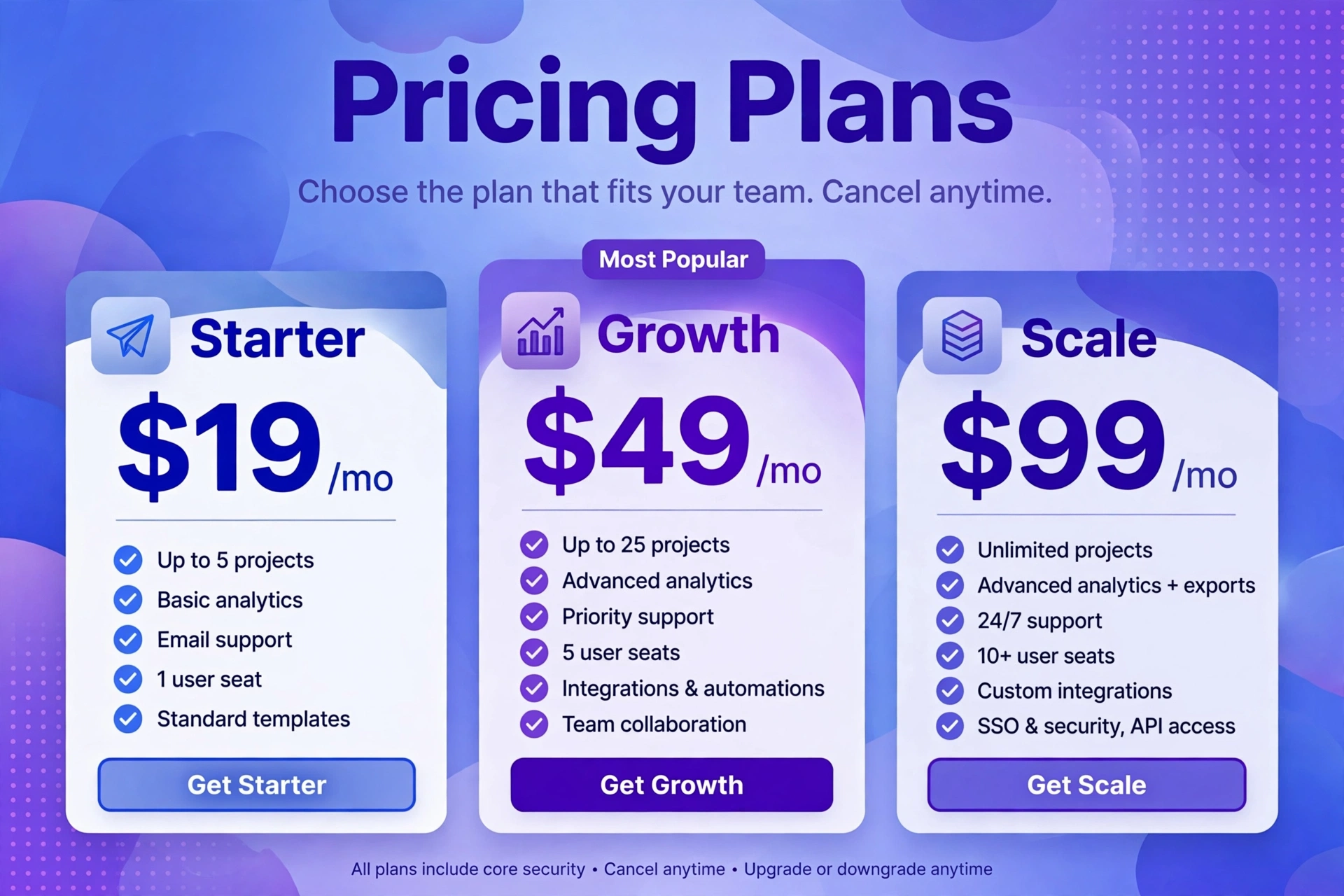
A rough rule of thumb: under $10K in monthly recurring revenue, keep costs low — Zoho Billing or Stripe Billing’s usage model. Between $10K and $100K MRR, the churn-recovery features of Recurly or Chargebee usually pay for themselves. Past that, you are negotiating enterprise contracts and the sticker prices stop meaning much.
What are the best subscription management tools in 2026?
Six tools, honestly assessed. I skipped the enterprise-only platforms that will not return a small business’s calls, and the review-site filler that exists to collect affiliate clicks.
| Tool | Best for | Starting price | Standout feature |
|---|---|---|---|
| Stripe Billing | Businesses already on Stripe | 0.7% of billing volume | Lives inside the Stripe dashboard your team already knows |
| Chargebee | Complex SaaS pricing | From $0 + 0.80% of invoicing volume | Handles tiers, add-ons, and usage without workarounds |
| Recurly | Fighting churn | From $249/month | Smart payment recovery and card-updater service |
| Zoho Billing | Tight budgets | From $25/month | Full-featured billing at a small-business price |
| Paddle | Selling globally | 5% + $0.50 per transaction | Merchant of record handles tax and compliance |
| Maxio | B2B finance teams | From $599/month | Contract billing and revenue recognition |
Stripe Billing
If you already process cards through Stripe, this is the path of least resistance. Billing lives in the same dashboard, supports trials, coupons, prorations, and usage-based pricing, and a developer can wire it up in an afternoon following the official Stripe Billing documentation. Skip it if you do not want to live inside the Stripe ecosystem — its built-in analytics are thinner than the dedicated platforms, and you will eventually bolt on a reporting tool.
Chargebee
Built for SaaS companies whose pricing has more than one moving part: tiers, add-ons, usage, annual prepay. The usage-based pricing (starting at $0 plus a small percentage of invoicing volume — confirm current figures on Chargebee’s pricing page) makes it genuinely tryable, and its dunning tools are among the best at winning back failed payments. Skip it if your pricing is one flat monthly fee; you will pay for complexity you never touch.
Recurly
The churn-fighter. Its recovery toolkit — smart retry timing plus an account-updater service that refreshes expired card numbers automatically — is why mid-market subscription businesses choose it. Plans start around $249/month, so the math works once failed payments are costing you more than that each month. The smallest startups should start cheaper and graduate to Recurly.
Zoho Billing
The budget pick that is not a toy: invoicing, a customer self-service portal, multiple payment gateways, and solid automation from about $25/month. If you already run Zoho CRM or Zoho Books, the integration is seamless. Skip it if you need sophisticated usage-based billing — that is not where it shines.
Paddle
Paddle is a merchant of record, which means it is legally the seller: it handles global sales tax, VAT, and compliance while you get paid out. That 5% + $0.50 per transaction stings next to Stripe’s rates, but if you are a small team selling software in twenty countries, the alternative is a tax headache you cannot staff for. US-only sellers do not need it.
Maxio
Built for B2B finance teams that live in contracts, renewals, and revenue-recognition rules. If your accountant has opinions about ASC 606, this is your tool. At $599/month to start, it is overkill for a straightforward monthly subscription — but it is the right answer when billing complexity is a finance problem, not just a billing problem.
How do you pick the right one without overbuying?
Answer these four questions in order. The tool that fits all four is your answer.
- How much recurring revenue are you protecting? Under $10K MRR, keep costs down — Zoho Billing or Stripe Billing. The math flips as you grow, because every recovered failed payment is pure margin.
- How complicated is your pricing, really? One plan, one price: keep it simple. Tiers, trials, usage, annual-plus-add-ons: you need Chargebee or Recurly. Be honest about where you are headed in 18 months, not just where you are today.
- Who is implementing it? A developer on staff opens up Stripe Billing and API-first tools. No developer? Pick the tool with the best no-code setup and onboarding — and budget a week to do it properly. If you are still at the idea stage, our walkthrough of starting a SaaS company from scratch covers the foundations first.
- Where are your customers? Multiple countries means tax complexity — look hard at Paddle or a tool with automatic global tax handling before you learn about VAT the painful way.
Then run a real trial with your actual pricing, not the vendor’s demo data. Import a handful of customers, run a billing cycle, upgrade someone mid-cycle, let a card fail on purpose. You will learn more in one week of that than in a month of sales calls.
What are subscription businesses still getting wrong?
I read everything currently ranking for this keyword. Here is what none of them say clearly enough:
- They treat dunning as a bullet point. Most guides list “payment recovery” among fifteen other features. In practice, failed payments drive a huge share of churn for small businesses — and fixing it is the highest-ROI move available. It should be your first filter when comparing tools, not an afterthought.
- They ignore the upgrade path. Winning a customer is step one; moving them from $49 to $149 a month is where the money is. Your tool should make upgrades one click for the customer — trial a higher tier, prorate the invoice, no sales call required.
- They never test pricing. These platforms let you run different prices for different signup cohorts; almost nobody uses that. Your subscription tool should make it easy to test a price change on new signups — and our breakdown of SaaS pricing strategies shows which models are worth testing first.
- They onboard, then disappear. The first 30 days decide whether a subscriber stays for years or cancels at renewal. Automated onboarding emails and usage check-ins belong in the same conversation as billing — the best tools integrate with your email and CRM so the whole lifecycle stays connected.
If you’re ready to compare specific tools, see our roundup of best subscription management software compared by price.
Frequently asked questions
What is subscription management software, in plain English?
Software that automates everything about selling subscriptions: billing customers on schedule, sending invoices, retrying failed payments, handling upgrades and cancellations, and reporting on recurring revenue. Think of it as the cashier, bookkeeper, and collections department for a subscription business.
How is it different from just using Stripe or PayPal?
Stripe and PayPal move money. Subscription management software decides who gets charged, how much, and when — then handles the retries, prorations, and reporting around it. Stripe covers both jobs if you add Stripe Billing, its subscription layer, on top of payment processing.
How much should a small business pay for it?
Anywhere from about $25/month for straightforward tools like Zoho Billing to a few hundred a month — or a small percentage of revenue — for platforms like Chargebee and Recurly. Match the cost to your recurring revenue: the tool should cost far less than the churn it prevents.
Can it actually reduce churn?
Yes — specifically involuntary churn, the kind caused by failed payments rather than unhappy customers. Automated retries, card-updater services, and reminder emails recover a meaningful share of payments that would otherwise become cancellations. Salesforce’s State of Sales research found that 42% of sales leaders now cite recurring revenue as a top revenue source — protecting it is the whole game.
Do I need it if I only have 20 subscribers?
At 20 subscribers, payment links and a spreadsheet still work. Set a trigger to switch — say, 50 subscribers or your first pricing-tier change. Migrating billing mid-growth is painful; migrating at 20 customers takes an afternoon.
What is dunning management?
The automated process of recovering failed subscription payments: retrying the card at smart intervals, notifying the customer, and making it easy to update payment details. For most small businesses, it is the single most valuable feature in this category.
The bottom line
You do not need the most powerful subscription management software. You need the one that bills correctly, chases failed payments without being asked, and shows you your numbers plainly. Start from your pricing model and your revenue, pick the simplest tool that covers both, and switch when growth demands it — not before. The businesses that win at subscriptions are not the ones with the fanciest billing stack. They are the ones that never let a willing customer slip away over an expired credit card.