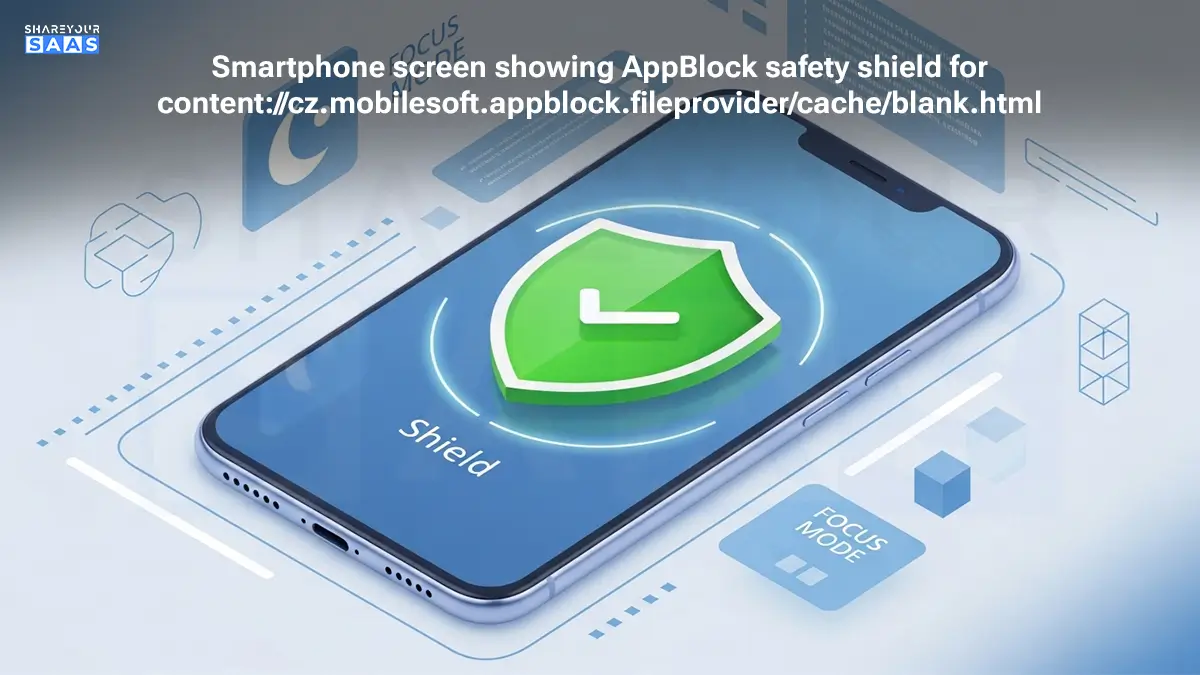

If you recently glanced at your Android browser’s address bar and panicked seeing content://cz.mobilesoft.appblock.fileprovider/cache/blank.html, take a deep breath. You aren’t hacked, and your phone isn’t broken.
As a digital strategist who has tested countless productivity tools, I see this confusion often. This string of text is simply the “Do Not Disturb” sign of the AppBlock application.
In short: You see this page because AppBlock intercepted a website you put on your “block list” and replaced it with a harmless, blank page stored on your phone. It is a sign that your digital detox settings are working exactly as they should.
Solved: What Is content://cz.mobilesoft.appblock.fileprovider/cache/blank.html? (And Is It Safe?)
Key Takeaways:
- It’s Not a Virus: This URI is a standard function of the AppBlock productivity app.
- It Means “Blocked”: You see this when AppBlock successfully restricts access to a distracting website.
- Safe & Local: The file resides on your phone’s internal storage, not on the internet.
- Easy Fix: If it’s stuck, clearing the app’s cache or pausing “Strict Mode” usually resolves it.
Decoding the “Code”: What Does This URI Actually Mean?
To the average user, this looks like gibberish. To an Android developer, it’s a perfectly logical address. Let’s break it down using semantic analysis so you understand exactly what your phone is doing.
- content://: unlike https:// (which points to the web), this tells your phone to look for a file inside your device’s own storage system.
- mobilesoft.appblock: This is the unique package name for the AppBlock app (developed by MobileSoft). It identifies who owns the file.
- fileprovider: Think of this as a security guard. Android uses “FileProviders” to securely share files between apps. In this case, AppBlock is sharing a file with your Chrome or Firefox browser.
- cache/blank.html: This is the destination. It is a tiny, empty HTML file sitting in the app’s temporary memory (cache).
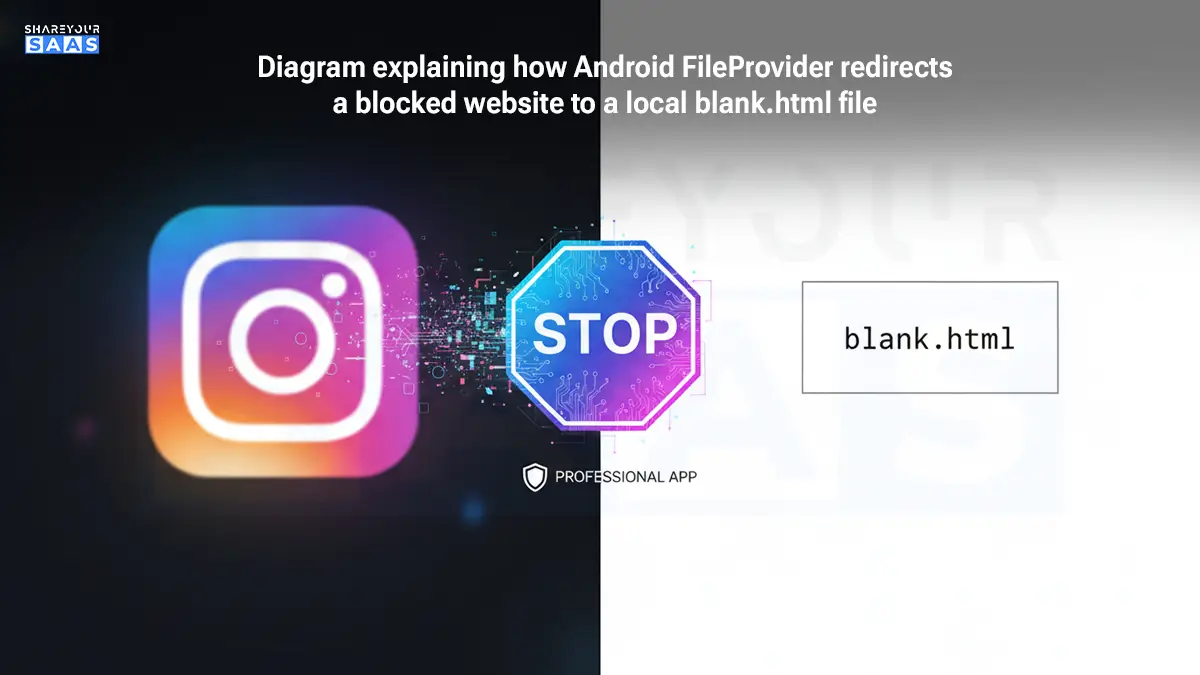
The Analogy: Imagine you try to walk into a room (the distracting website), but a security guard (AppBlock) stands at the door and hands you a blank sheet of paper (blank.html) instead of letting you in. That is literally what is happening digitally.
Why Does It Appear in My History?
You might notice this URI cluttering your browser history. This happens because modern browsers record every “successful” page load.
When AppBlock redirects you from Instagram.com to blank.html, your browser thinks, “Okay, we successfully loaded the blank page,” and saves that location. It’s not a glitch; it’s a byproduct of how Android handles local redirects.
Why use a local file?
Speed. By loading a file already on your phone, AppBlock saves you data and battery life compared to redirecting you to an online “Blocked” page.
Is content://cz.mobilesoft.appblock… a Virus?
No. It is 100% safe.
- Authority Check: The domain cz.mobilesoft belongs to a legitimate European development company, MobileSoft s.r.o., known for their highly-rated digital wellbeing tools.
- Security Context: This file cannot execute code, steal passwords, or track you. It is a static, empty webpage designed solely to cover up content you didn’t want to see during your focus time.
Troubleshooting: How to “Fix” or Remove It
While it’s not an error, seeing a blank white screen can be annoying if you actually need to access a site, or if the page gets “stuck.” Here is how to manage it.
Method 1: The “Oops, I Need That” Fix (Pause Blocking)
If you are trying to work but AppBlock is being too aggressive:
- Open the AppBlock app.
- Tap the “Pause” button (usually on the home dashboard).
- Select a duration (e.g., 15 minutes).
- Refresh your browser. The blank.html page should disappear, loading the real website.
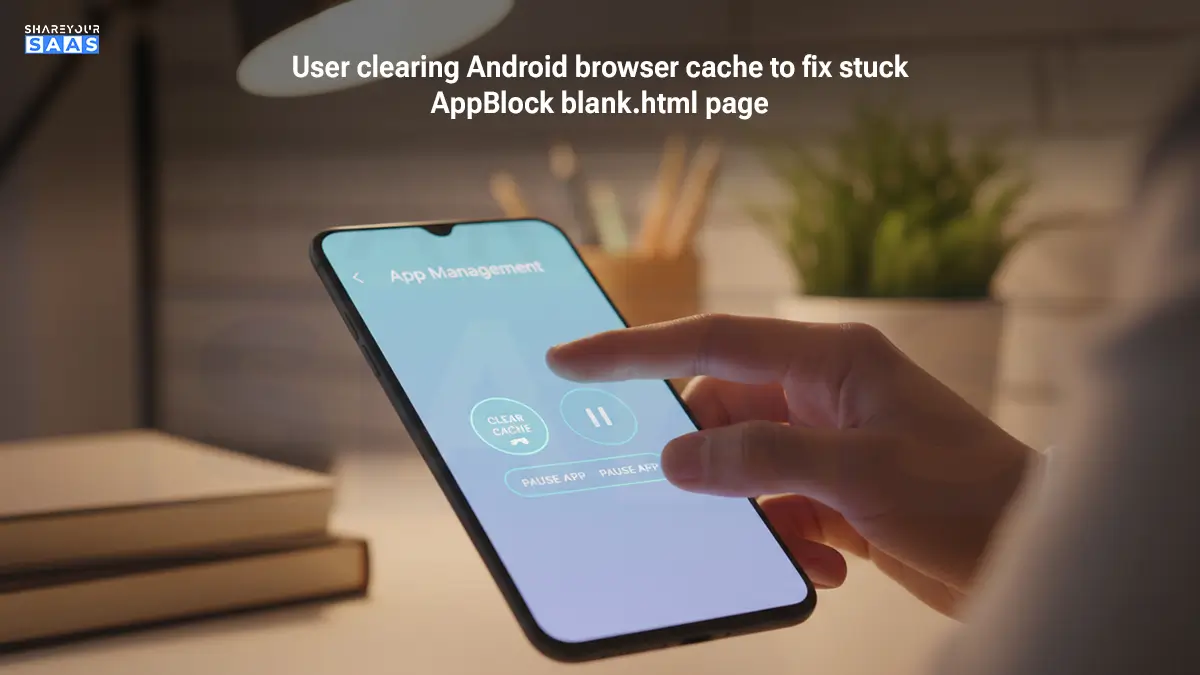
Method 2: The “Glitch” Fix (Clear Cache)
Sometimes, browsers get confused and “cache” the blank page even after you’ve turned AppBlock off. If you can’t access sites even when AppBlock is disabled, do this:
- Go to Settings > Apps > Chrome (or your preferred browser).
- Tap Storage & Cache.
- Tap Clear Cache.
- Pro Tip: Do the same for the AppBlock app itself to refresh its blocking list.
Method 3: The Nuclear Option (Uninstall)
If you no longer use the app but still see this error (rare, but possible if data lingers):
- Uninstall AppBlock.
- Restart your phone.
- This permanently removes the fileprovider path from your system.
Advanced Insight: The Role of “Strict Mode”
Many users encounter this URI specifically when Strict Mode is active. Strict Mode prevents you from changing settings to bypass your own rules.
If you see this screen and cannot leave it, check if you have “Web Blocking” enabled in your Strict Mode profile. You may have locked yourself out of the internet intentionally! In this scenario, the blank.html screen is your past self helping your future self stay focused.
If you want to read about: Exploring 99math: Perspectives of Teachers, Students & Parents
Conclusion: Take Control of Your Digital Space
Seeing a string like content://cz.mobilesoft.appblock.fileprovider/cache/blank.html can be jarring, but it’s actually a sign that your productivity tools are doing the heavy lifting for you. Instead of a security threat, it’s a digital boundary—a “stop sign” for distractions that helps you reclaim your time and focus.
Understanding that this is just a local file redirect from AppBlock allows you to troubleshoot it with confidence. Whether you choose to pause your blocking profile or simply clear your browser cache, you now have the expert knowledge to handle this URI without any tech-anxiety. Remember, technology should work for you, not confuse you.
Frequently Asked Questions (People Also Ask)
Q: Can I delete the blank.html file manually?
A: No, and you shouldn’t try. It is an internal file generated by the app. If you somehow deleted it, AppBlock would likely crash or recreate it the next time it tries to block a site.
Q: Why does it say “FileProvider”?
A: FileProvider is a standard Android developer term. It’s the secure mechanism Android uses to let one app (AppBlock) show a file to another app (Chrome) without giving full access to all your data.
Q: Will this drain my battery?
A: Quite the opposite. Loading a local, blank HTML file uses significantly less processing power and battery than loading a media-heavy social media feed.
Q: Is AppBlock spying on me?
A: No. The redirect happens locally on your device. AppBlock uses Accessibility Services to detect the URL, but it does not transmit your browsing history to a cloud server.