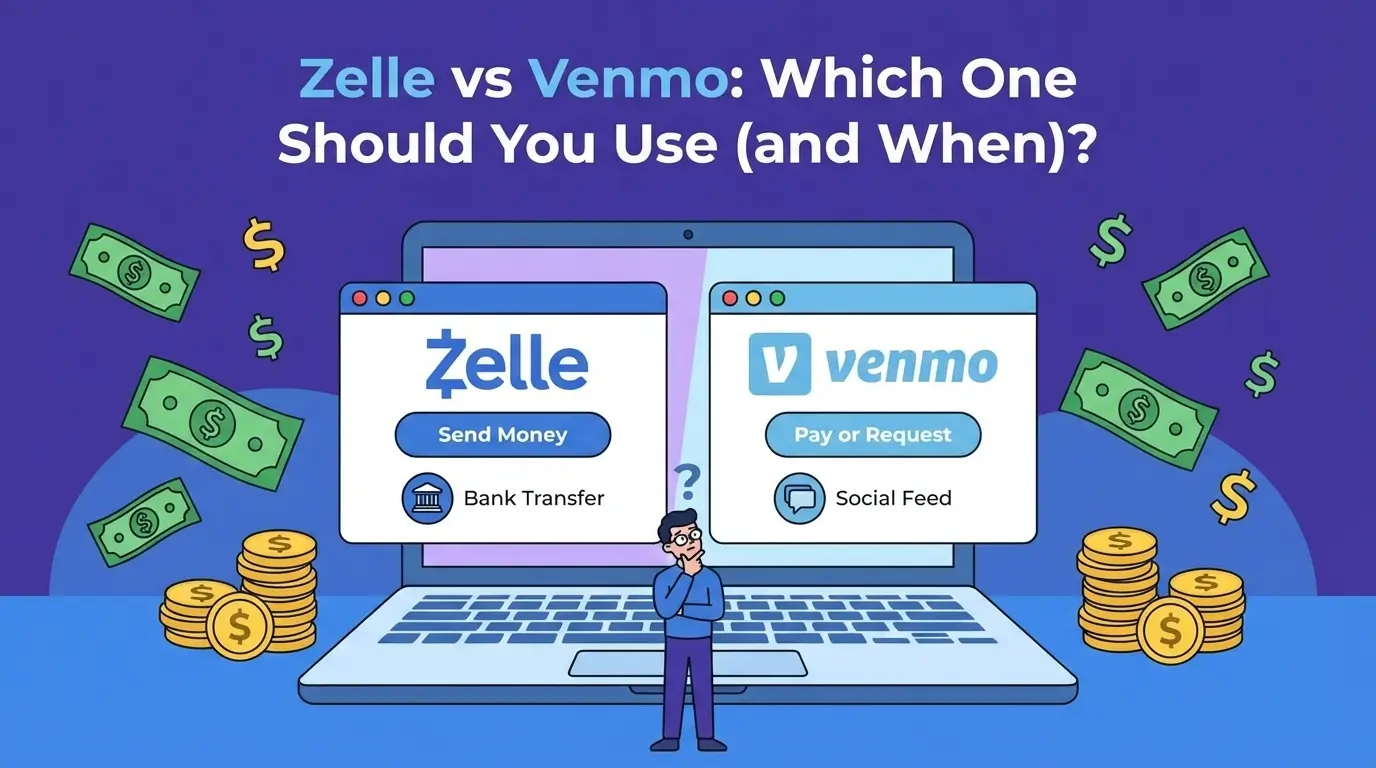

If you’re stuck choosing zelle vs venmo, here’s the clean answer: pick Zelle when you’re paying someone you already trust and you want money to land straight in their bank fast. Pick Venmo when you want a wallet-style app, you sometimes pay with a card, you like having purchase protection for certain buys, or you want more control over how you pay and get paid.
Key Takeaways (Save This)
- Zelle = bank-to-bank speed (best for trusted people, bills, rent splits).
- Venmo = flexible wallet (better for casual payments + certain purchases).
- If you’re paying a stranger, this is where most people make a mistake: Zelle is “like cash” once it’s gone.
- Venmo is free for standard transfers, charges 75% for Instant Transfer (min $0.25, max $25).
Why people search “Zelle vs Venmo”
The intent is commercial investigation + comparison: you’re trying to avoid fees, avoid scams, and pick the app that fits a real-life use case (rent, selling something online, paying a contractor, paying friends, small side business).
So the best article isn’t “features.” It’s a decision guide.
Zelle vs Venmo at a glance (fast comparison)
| Feature | Zelle | Venmo |
| Best for | Paying trusted people from your bank | Everyday payments + wallet convenience |
| Speed (typical) | Arrives in minutes between banks (when enrolled) | Standard bank transfer 1–3 business days |
| Instant cashout | Not an “app wallet” feature | Instant Transfer usually within 30 minutes (fee applies) |
| Main fees | Typically no fee for consumers | Credit card funded payments: 3% |
| Instant transfer fee | N/A | 1.75% (min $0.25, max $25) |
| Purchase protection | Not intended for buying goods; no protection if you get scammed | Purchase protection available for qualifying payments; fee applies |
| Limits | Vary by bank (can be ~$500 to $10,000+/day) | Limits vary by account verification and transfer type (inside Venmo help docs) |
| Works internationally | Requires U.S. bank accounts on both sides | Built mainly for U.S. domestic usage (common limitation) |
How Zelle actually works (and why it feels “instant”)
Zelle is tied into many U.S. banks’ apps. When you send money, it goes bank account → bank account, usually in minutes once both people are enrolled.
What Zelle is great at
- Rent splits with roommates
- Paying your babysitter, cleaner, dog walker
- Sending money to family fast
- Moving money between your own U.S. bank accounts (common bank-supported use)
Where Zelle can burn you
If you’re paying for something you found on Facebook Marketplace and the seller disappears, Zelle isn’t designed to rescue you. Some banks are explicit: Zelle is meant for people you know and trust, not goods purchases, and you may not have purchase protection.
Also: fraud and scam pressure around Zelle has been serious enough to trigger high-profile legal scrutiny (worth knowing if you’re risk-averse).
Fees & availability
- Zelle typically charges no consumer fee to send/receive.
- It’s not for international transfers; both sender and recipient need U.S. bank accounts.
How Venmo works (and why people love it for daily life)
Venmo behaves like a digital wallet. You can keep a balance, pay people, then transfer money to your bank.
Venmo transfer speed in plain English
- Standard bank transfer: typically 1–3 business days.
- Instant Transfer: usually within 30 minutes, with a 75% fee (min $0.25, max $25).
The Venmo fees that surprise people
- Paying someone using a credit card is subject to Venmo’s standard 3% fee.
- Instant Transfer fee math you can feel:
- $100 cashout → $1.75 fee
- $1,000 cashout → $17.50 fee
- $5,000 cashout → fee would be $87.50, but it’s capped at $25
Venmo Purchase Protection (useful when you’re buying something)
Venmo has purchase protection for qualifying payments (like when you mark a payment as for a good/service or pay a business profile). It charges a transaction fee for that protection.
If you buy online from someone you don’t fully trust, this feature is often the reason Venmo wins.
Privacy (don’t skip this)
Venmo lets you set payment visibility to Public / Friends / Private, and you can change your default setting in the app.
If you care about privacy, set your default to Private right after setup.
Zelle vs Venmo: 5 questions decision framework that works in real life
1) Do I know this person well?
- Yes → Zelle is often the cleanest.
- No / not really → Venmo with purchase protection (when it applies) can be safer.
2) Do I need the money to land in a bank fast?
- If “fast” means minutes-to-bank, Zelle is built for that.
- If “fast” means “I want to cash out quickly,” Venmo Instant Transfer works, but it costs.
3) Am I okay paying a fee for convenience?
- If fees annoy you, prefer Zelle (often $0).
- If you’ll pay for speed, Venmo Instant Transfer is predictable (1.75%, capped).
4) Is this a purchase (item/service), not just paying someone back?
- Zelle is a bad fit for purchases where you might need to dispute.
- Venmo can fit better if you use the right payment type for purchase protection.
5) Are you outside the U.S. (UK/Canada readers)?
- Zelle requires S. bank accounts on both sides.
If you’re in the UK/Canada and reading this to help a U.S. customer or friend, treat this as “U.S.-only tools” unless you have U.S. banking access.
Real-world examples about Zelle vs Venmo (composite mini case studies)
Case study 1: Roommates splitting rent
Three roommates. One collects rent. Everyone trusts each other.
What works best: Zelle, because it goes bank-to-bank fast and feels like paying by transfer, not “social app money.”
Common mistake: sending the full rent to the wrong email/number. Fix it by sending $1 first, confirming the recipient name inside your bank app, then sending the full amount.
Case study 2: Side business deposits (photography, tutoring, home services)
You need clients to pay a deposit. Some are new to you.
What works best: Venmo, because you can separate “friends/family” style payments from purchase-type payments where protection is relevant.
Common mistake: accepting credit-card-funded payments without understanding the fee dynamics, or cashing out instantly every time and bleeding 1.75%.
Case study 3: Buying a used phone from a stranger
You’re meeting someone, or buying online.
Best move: avoid Zelle for this kind of transaction if you might need recourse. Banks explicitly warn Zelle isn’t meant for buying goods from marketplaces.
If you still proceed, use a method with buyer protection and clear records.
Step-by-step: set up the safer way (10 minutes)
Zelle setup checklist
- Use your bank’s app (preferred when available).
- Enroll the email/phone you control (keep it consistent).
- Turn on bank alerts for transfers (so you see activity fast).
- First time paying someone: send a tiny test payment, confirm receipt, then send the real amount.
Venmo setup checklist
- Add your bank and verify it (reduces transfer issues).
- Set default payment privacy to Private.
- Decide your “rule” for Instant Transfer:
- Use it only when timing matters
- Otherwise take the free 1–3 business day transfer
- Avoid credit card funding for person-to-person unless the 3% fee is worth it to you.
Common mistakes to avoid with Zelle vs Venmo (the ones that cost real money)
- Using Zelle to pay strangers for marketplace deals.
- Not double-checking the recipient before hitting send (both apps).
- Instant-cashing out every Venmo payment and quietly paying 1.75% forever.
- Funding Venmo with a credit card and forgetting about the 3% fee.
- Ignoring Venmo privacy settings and oversharing transactions.
Limitations (read this before you trust either app “too much”)
- Neither app is a magic refund button. If you send money to the wrong person, fixing it can be hard.
- Zelle limits vary by bank and can be widely different from one institution to another.
- Fraud pressure is real in the P2P space; stay cautious with urgent requests, fake support, and “refund me” tricks.
Quick competitor check (if neither fits)
If your use case is international payments, escrow-like safety, or business invoicing, people often look at PayPal, Cash App, Apple Cash, or bank ACH/wire options. Use the tool that matches the risk level of the transaction.
Multimedia placements that increase dwell time (exact spots)
- After the comparison table: add a simple “Zelle vs Venmo Decision Flowchart” image (Yes/No arrows).
- Inside the Venmo fees section: add a small chart showing “Standard (free) vs Instant (1.75%)” with example fees ($100, $1,000, $5,000).
- Before the setup checklist: add two screenshots (one Zelle inside a bank app, one Venmo privacy settings screen).
- Optional embed near the scam section: a short 30–60s video explaining “How to spot fake payment requests.”
FAQs (People Also Ask)
Is Zelle safer than Venmo?
Zelle is safe for trusted recipients, but it’s not meant for buying from strangers and may not offer purchase protection.
Can I get scammed on Zelle?
Yes—scams often rely on urgency or impersonation. Only send to people you know and trust, and treat it like cash.
Does Venmo charge fees?
Venmo charges 3% for credit-card-funded person-to-person payments and 1.75% for Instant Transfer (min $0.25, max $25).
How long does a Venmo transfer take?
Standard bank transfers typically take 1–3 business days. Instant transfers usually complete within ~30 minutes.
Can I use Zelle internationally?
No—both sender and recipient must have U.S. bank accounts.
Conclusion
Zelle fits best when trust is high and you want bank-to-bank speed. Venmo fits best when you want wallet flexibility, instant cashout options, or purchase-style protection. Before you send money, verify the recipient and lock down privacy settings. Use the 5-question framework above and you’ll stop second-guessing every payment.