Direct answer: To choose the right B2B CRM software in 2026, map your sales process first, shortlist 3–4 platforms that fit your team size and budget, compare their verified per-seat pricing (table below — most comparison sites are quoting stale numbers), then run a 14-day trial with real data. The best CRM is the one your team will actually open every morning; adoption beats feature lists every time.
This guide keeps what matters: a price table checked in October 2026, a real-cost view at 10 seats, a 5-step selection process, and an honest section on what AI changes — and what it doesn’t — in B2B CRM buying this year.
What B2B CRM software is (and why B2B is different)
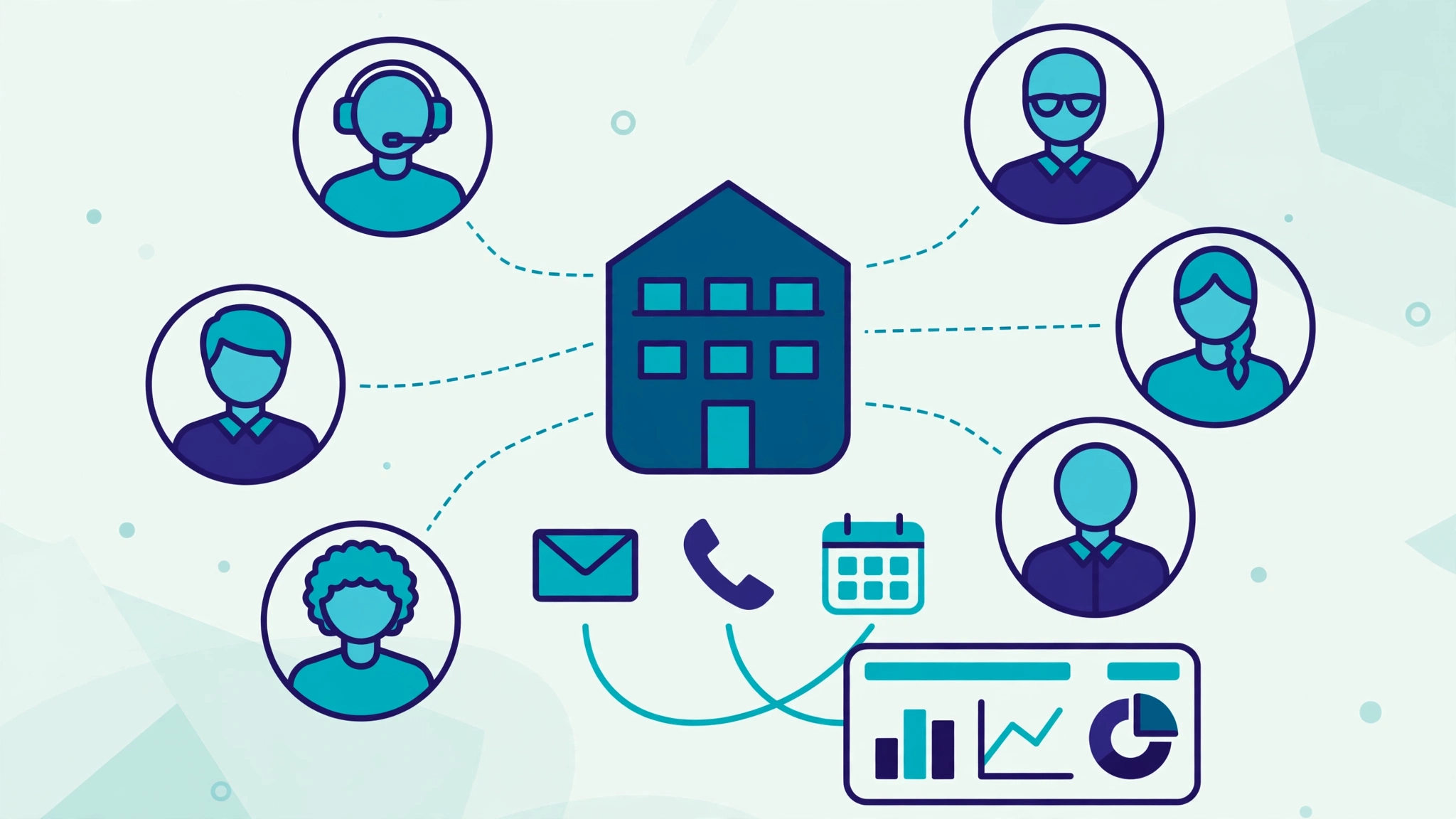
A B2B CRM centralizes every interaction with prospect and customer accounts — emails, calls, meetings, proposals — across sales cycles that run weeks or months and involve multiple decision-makers. That is what separates it from B2C tools built for high-volume, single-person transactions: B2B CRMs need account hierarchies, multi-stakeholder deal tracking, and pipeline forecasting a sales manager can defend in a board meeting.
Industry surveys consistently find that a large share of CRM projects — often cited at 30–50% — struggle or fail, almost never because the software was bad. They fail on fit and adoption. This guide is built around that fact: process first, prices second, features last.
The 6 B2B CRMs worth shortlisting in 2026 (verified pricing)
| CRM | Free plan | Paid from | Best for | Watch out |
|---|---|---|---|---|
| HubSpot | Yes (free CRM) | Starter ~$20/seat/mo (list; new-customer promos often lower) | First-time CRM teams; marketing + sales in one place | Professional jumps to ~$90–100/seat plus mandatory onboarding fees |
| Zoho CRM | Yes (up to 3 users) | Standard $14/user/mo (annual; $20 monthly) | Value and customization depth | Full Zia AI needs Professional ($23/user/mo); UI has a learning curve |
| Pipedrive | No (14-day trial) | Lite $14/seat/mo (annual) | Pure pipeline teams who want zero clutter | Marketing automation lives in add-ons; no free tier to grow into |
| Salesforce | No (trial) | Starter Suite $25/user/mo | Scale, ecosystem, complex orgs | Real deployments climb to $100+/seat tiers and usually need an admin |
| Freshsales | Yes (up to 3 users) | Growth $9/user/mo (annual; $11 monthly) | Budget pick with built-in phone and chat | Freddy AI features are a paid add-on |
| Close | No (14-day trial) | From $9/user/mo (Solo); Growth $99/user/mo | Inside-sales teams that live on calls | Big jumps between tiers — the dialer tier is the expensive one |
Prices checked October 2026 against vendor pricing pages and multiple current comparisons; annual billing assumed where noted. Vendors reprice often — confirm before budgeting.
What 10 seats actually cost per month
| CRM (entry paid tier) | Per seat | 10 seats / month |
|---|---|---|
| Freshsales Growth | $9 | $90 |
| Zoho CRM Standard | $14 | $140 |
| Pipedrive Lite | $14 | $140 |
| HubSpot Sales Starter (list) | $20 | $200 |
| Salesforce Starter Suite | $25 | $250 |
The lesson in that table: at entry tiers, the spread between the cheapest and priciest shortlist option is about $160/month for a 10-person team. The expensive mistakes happen later — tier jumps, onboarding fees, and add-ons — which is exactly what Step 3 below prices in.
The 5-step process for choosing B2B CRM software
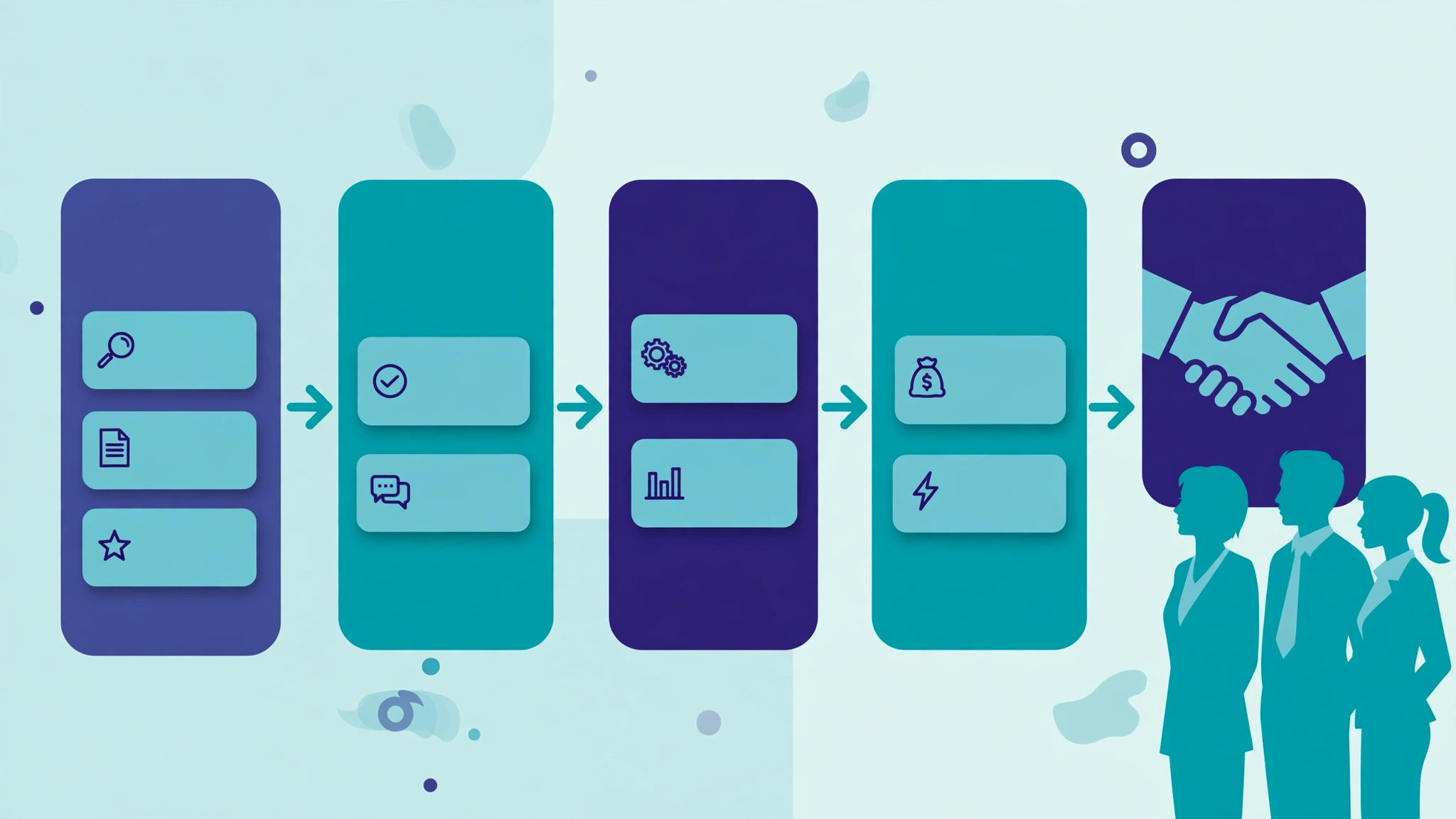
Step 1: Map your requirements before you shop
- Document your sales stages from first contact to closed deal. Your CRM must model this pipeline, not force you into its template.
- List 5–8 non-negotiables (e.g., Outlook/Gmail integration, custom fields, mobile app). More than eight and everything looks critical.
- Count users and roles — reps, managers, marketing, support — because roles drive seat count and permissions.
- Inventory your stack. Every tool the CRM must connect to. Integration gaps are the most common post-purchase regret.
Step 2: Shortlist by fit, not by fame
Use the table above to pick 3–4 candidates by team shape: pipeline-pure teams → Pipedrive or Close; platform teams → HubSpot or Zoho; budget-first → Freshsales or Zoho; scale-first → Salesforce. Check each candidate’s integrations against your Step 1 inventory and eliminate any that need a third-party connector for something you use daily — native integrations are maintained by the vendor and break far less often.
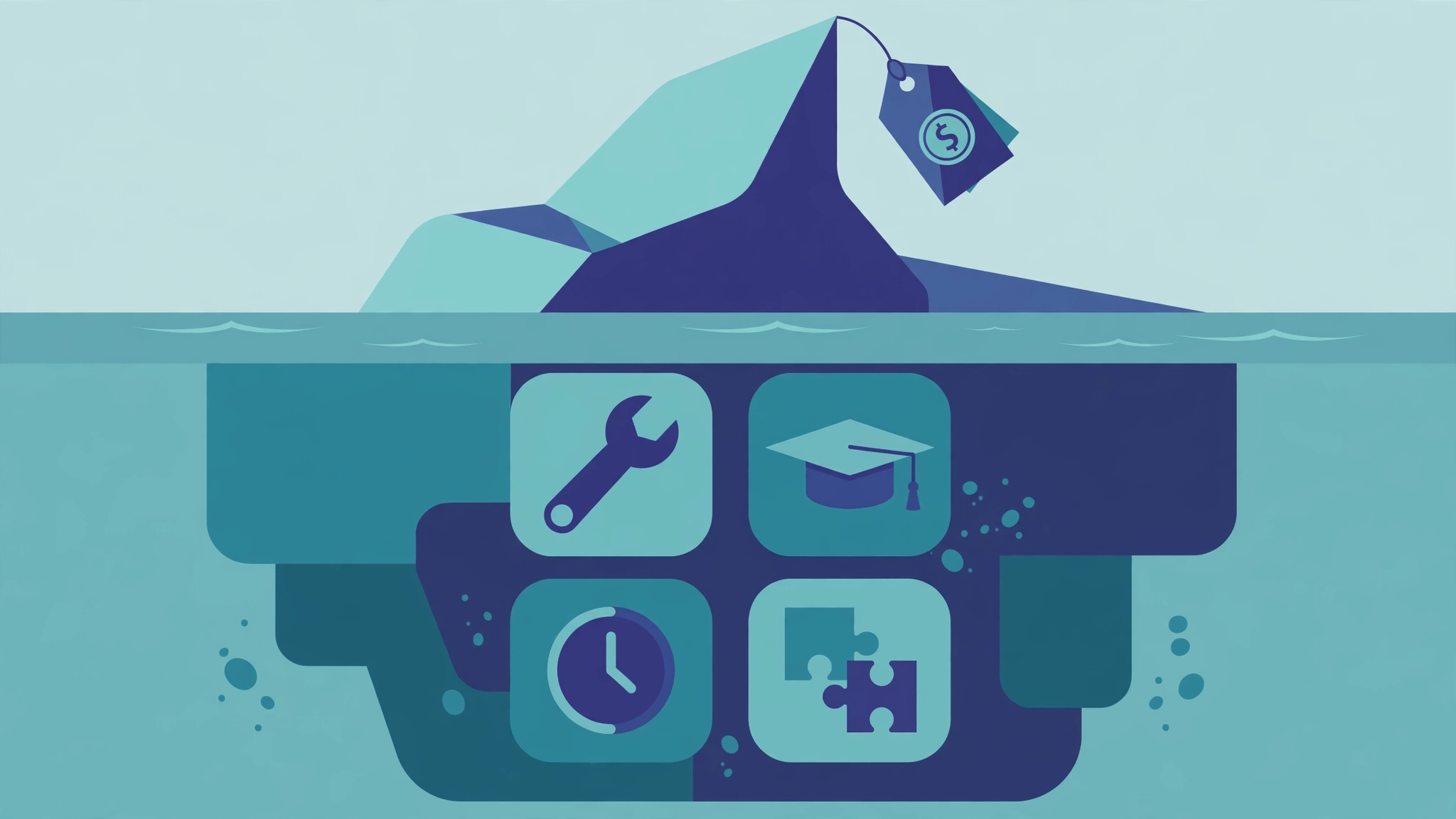
Step 3: Calculate the true 3-year cost
The per-seat price is the beginning, not the bill:
- Licenses: seats × price × 36 months — at the tier you’ll need in year two, not today’s tier.
- Onboarding: $0 self-serve to $10,000+ enterprise; HubSpot Professional, for example, carries a mandatory one-time onboarding fee (~$1,500).
- Training: hours per user, plus every future hire.
- Admin: 5–10 hours/month minimum to maintain fields, workflows, and data quality.
- Add-ons: marketing automation, AI credits, premium connectors.
A $50/seat CRM for 20 users is rarely $12,000/year — with onboarding, admin, and integrations, year one commonly lands at $25,000–$40,000. That’s fine if the ROI is real. Budget honestly either way.
Step 4: Trial with real data for 14 days
- Import real data: 200–500 real contacts and 20–30 open deals. Demo data hides friction.
- Assign 3–5 real users — including a skeptic. Their objections are your most valuable feedback.
- Run one real workflow end-to-end: new lead → qualification → proposal → close, timed against your current process.
- Score against your Step 1 must-haves. Anything needing a “workaround” is a red flag, not a quirk.
- File a real support ticket. The response time you get during the trial is the one you’ll get for years.
Step 5: Decide on the adoption score
When two finalists both “have the features,” choose the one your reps rated easier in the trial. A CRM the team opens voluntarily produces clean data, honest forecasts, and compounding value. A powerful CRM they avoid produces an expensive spreadsheet problem — which is why fit and adoption outrank every feature comparison, including this one.
AI in B2B CRM in 2026: what it changes in your buying decision
Every CRM on the shortlist now ships AI: lead scoring, call summaries, drafted follow-ups, and increasingly, agents that work a pipeline queue. Two buying implications matter more than any feature demo:
- The AI tier trap. Headline AI often lives one or two tiers above entry — Zoho’s full Zia suite sits on Professional, HubSpot’s deeper AI rides its credit system, Freshsales sells Freddy as an add-on. When you compare prices, compare them with the AI switched on, or you’re comparing the wrong numbers.
- AI raises the value of clean data. Scoring and agents are only as good as the records they read. A mid-tier CRM with disciplined data beats an AI-flagship fed with duplicates.
And the bigger question — whether AI makes CRMs obsolete entirely — we examined separately: will CRM be replaced by AI? Short version: the interface changes, the system of record stays.
Which B2B CRM fits which business size?
| Business size | Typical needs | Start with |
|---|---|---|
| Startup (1–10 users) | Simple pipeline, low budget, fast setup | HubSpot Free, Freshsales, or Zoho — free tiers are genuinely usable |
| Growing (10–50 users) | Automation, integrations, basic forecasting | Zoho Standard/Professional or Pipedrive; HubSpot if you accept the Pro jump later |
| Mid-market (50–500 users) | Forecasting, permissions, advanced analytics | Salesforce or HubSpot Professional — budget the admin and onboarding honestly |
| High-velocity inside sales (any size) | Calling, sequences, speed | Close — price the Growth tier, not the entry tier |
One more stack consideration: if your team already runs its projects in monday.com, its CRM features may cover lighter pipelines — see our monday.com CRM guide before buying a second system.
A worked example: the Dallas IT services firm
A 15-person IT services firm in Dallas ran its pipeline from a shared spreadsheet and a founder’s inbox. Their shortlist, after mapping a 6-stage process with two non-negotiables (Outlook integration and per-account stakeholder tracking), came down to HubSpot and Zoho. The trial scores were close — but the 3-year cost model wasn’t: HubSpot’s path ran through Professional at roughly $90/seat with onboarding fees, while Zoho Professional at $23/user covered their must-haves including Zia AI summaries. They chose Zoho, spent the savings on a part-time data cleanup before migration, and — the detail that made it stick — appointed their ops lead as CRM champion with two hours a week protected for data hygiene. Eighteen months on, forecast accuracy is the metric they quote; the software brand is almost beside the point, which is exactly how a good CRM decision should age.
5 mistakes that doom B2B CRM implementations
- Buying for executives, not reps. If daily users hate it, they’ll keep shadow spreadsheets and your data rots. Adoption is the whole game.
- Skipping data cleanup before migration. Importing 10,000 duplicates poisons the new system from day one — and in 2026 it also poisons the AI.
- Over-customizing on day one. Fifty custom fields before anyone logs in creates confusion, not precision. Start with defaults; customize from real usage.
- No internal champion. Every successful rollout has one owner who trains, enforces hygiene, and iterates. Without one, usage decays within months.
- Comparing entry prices instead of year-two prices. Tier jumps and add-ons are where CRM budgets actually blow up. Price the tier you’ll grow into.
FAQs
What is the best B2B CRM software in 2026?
There’s no single best — it depends on team shape. HubSpot leads for ease of use and its free tier; Zoho CRM offers the strongest value-to-depth ratio; Pipedrive is the cleanest pure pipeline; Salesforce dominates at scale; Freshsales is the budget pick with built-in calling; Close wins for high-velocity inside sales. Shortlist by fit, then trial with real data.
How much does B2B CRM software cost?
From $0 (HubSpot, Zoho, and Freshsales free tiers) through $9–25/user/month at functional entry tiers, to $90–175+/user/month at enterprise tiers. The true cost adds onboarding ($0–$10,000+), training, admin time, and add-ons — model three years, not three months.
How long does CRM implementation take?
Self-serve tools: days to two weeks. Mid-market with data migration: 4–8 weeks. Enterprise with custom integrations: 3–6 months. The biggest variable is rarely the software — it’s data cleanup and user training.
Do small B2B businesses really need a CRM?
If more than ~20 active prospects live in spreadsheets and inboxes, yes. The tipping point is when follow-ups start slipping. With free tiers from HubSpot, Zoho, and Freshsales, cost is no longer the barrier — consistent use is.
Can I switch CRMs later if I choose wrong?
Yes, but expect pain: data migration, retraining, rebuilt workflows, and 2–3 months of disruption. That’s why the real-data trial matters so much — an afternoon of testing now beats a quarter of migrating later.
Will AI replace B2B CRM software?
No — it changes the interface, not the need. AI drafts, scores, and summarizes on top of the CRM’s data; the system of record underneath becomes more valuable, not less. What does change is buying: compare AI-inclusive tiers, because headline AI rarely lives on the entry plan.
Methodology
Pricing was checked in October 2026 against vendor pricing pages and triangulated across multiple current comparisons; where sources disagreed (HubSpot Starter appears between $7 promotional and $20 list), we report the list figure and flag the promo pattern. This guide is a full rebuild of our 2023 buyer’s guide, keeping its 5-step selection process and correcting its pricing throughout. Figures are USD per user per month unless stated; CRM pricing changes frequently — confirm on the vendor’s site before committing.