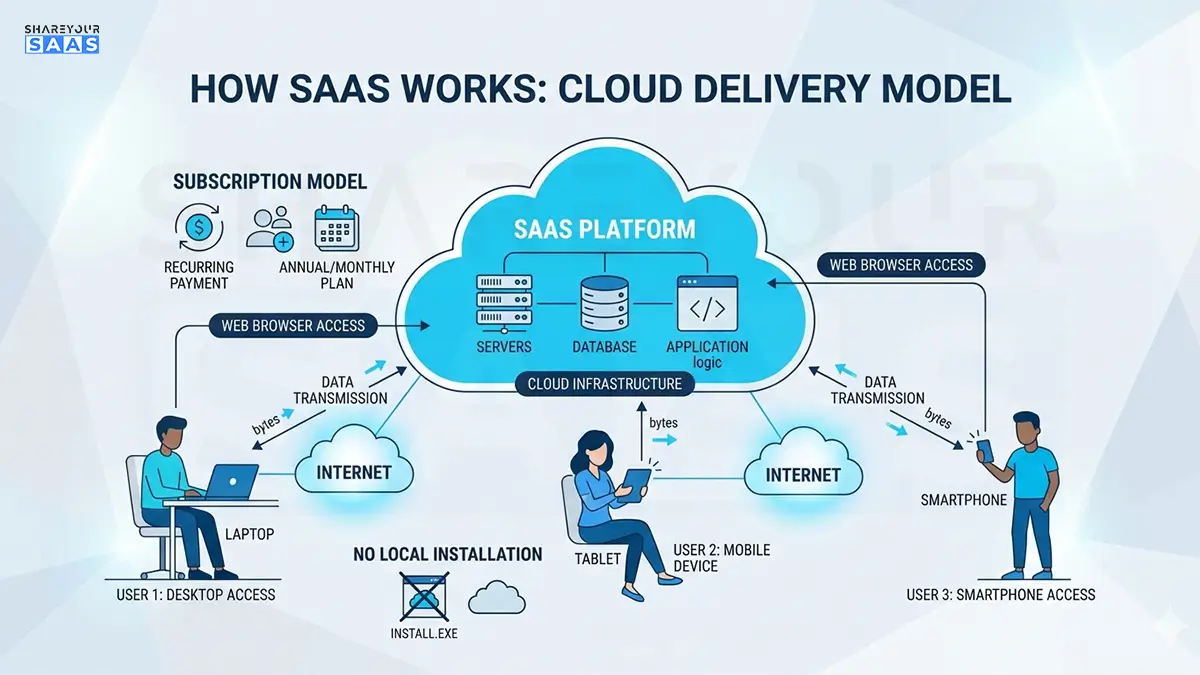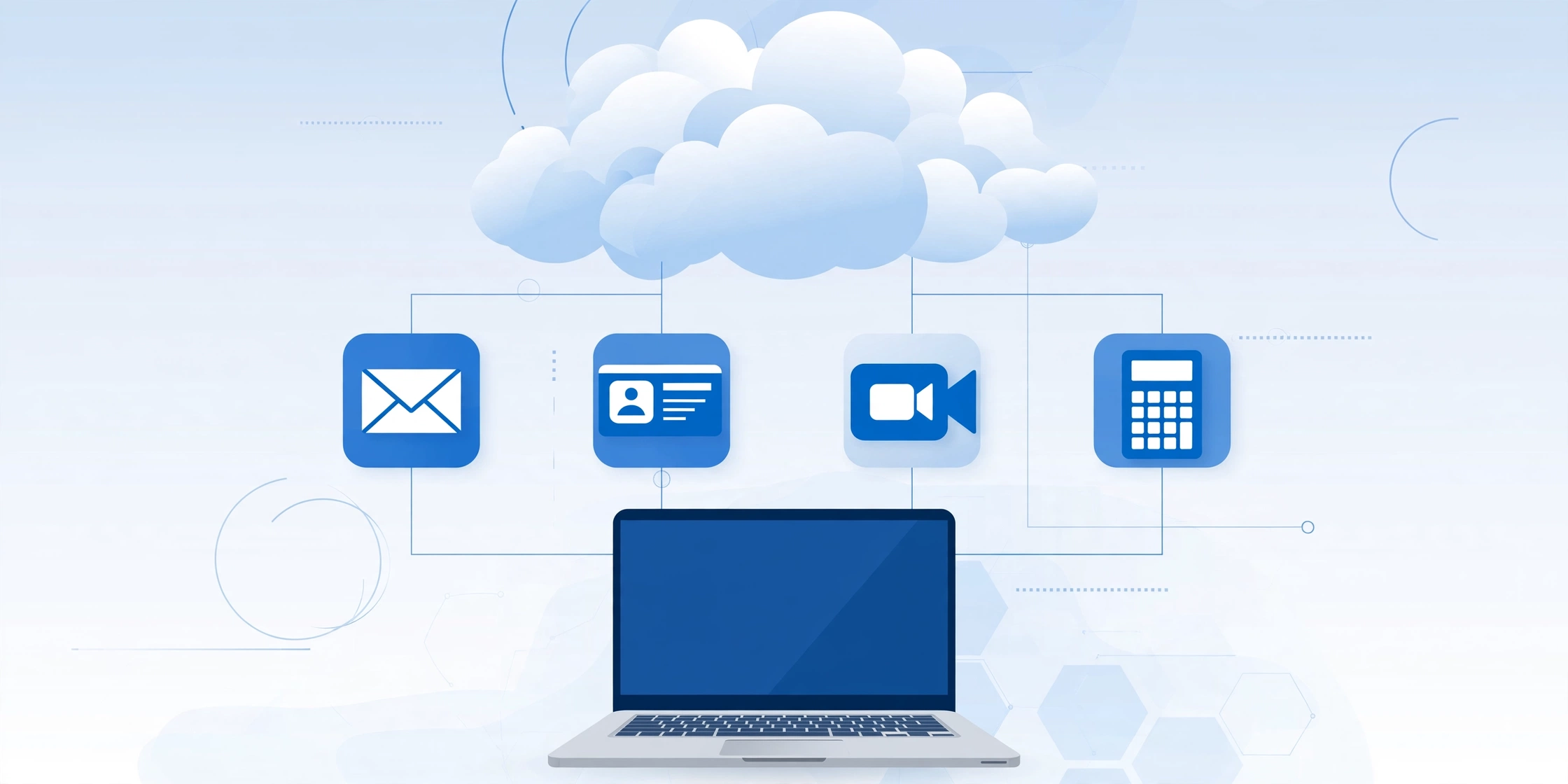
SaaS in cloud computing means using software that lives on the internet instead of on your own computer. You don’t install it, buy servers to run it, or update it yourself — you log in through a web browser and pay a subscription, usually every month.
Think of it this way: instead of buying a boxed copy of accounting software for every computer in your office, you sign up for QuickBooks Online. Intuit runs the software on its own servers, and you and your team log in from a laptop in Texas, a phone in London, or a tablet in Toronto. That is SaaS — software as a service — one of the three main ways businesses use the cloud.
If the phrase “what is SaaS in cloud computing” brought you here, you’re in the right place. This guide explains the concept in plain English, shows you real examples, and answers the follow-up questions people actually ask.
How does SaaS fit into cloud computing?
Cloud computing is a simple idea: instead of owning computer hardware, you rent computing power over the internet. The U.S. National Institute of Standards and Technology (NIST) defines cloud computing around a few essentials — you get computing resources on demand, you reach them over the network, and the provider pools its resources to serve many customers at once.
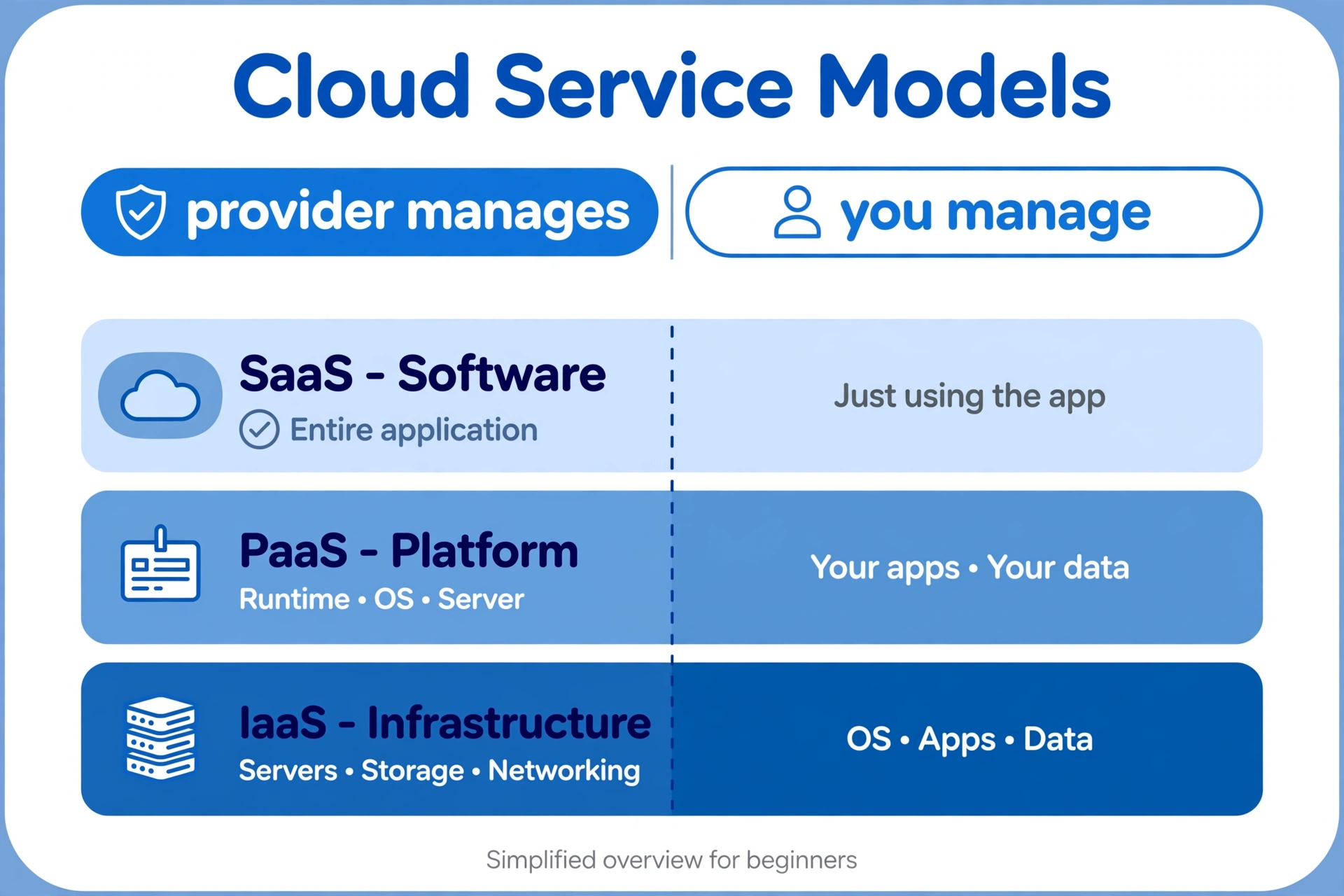
SaaS is the top layer of that model. Cloud providers sell three “as a service” models:
- IaaS (infrastructure as a service): you rent raw building blocks — virtual servers, storage, networks. Example: Amazon EC2.
- PaaS (platform as a service): you rent a ready-made platform to build your own apps on. Example: Google App Engine.
- SaaS (software as a service): you rent finished software. You don’t build anything or manage servers — you just log in and use it. Example: Google Workspace.
With SaaS, the provider runs everything underneath — the servers, the storage, the security patches, the backups. You handle your own data and your own user accounts. That split is sometimes called the shared responsibility model, and it’s the main reason small businesses love SaaS: enterprise-grade infrastructure without hiring an IT department.
Most SaaS apps are also multi-tenant. That sounds technical, but it just means many customers share the same software while their data stays separate — like apartments in one well-managed building. It’s how providers keep prices low for everyone.
New to the term itself? Start with our plain-English primer: What Is SaaS Software? The Complete Guide Every Business Owner Needs in 2026.
What are examples of SaaS in cloud computing?
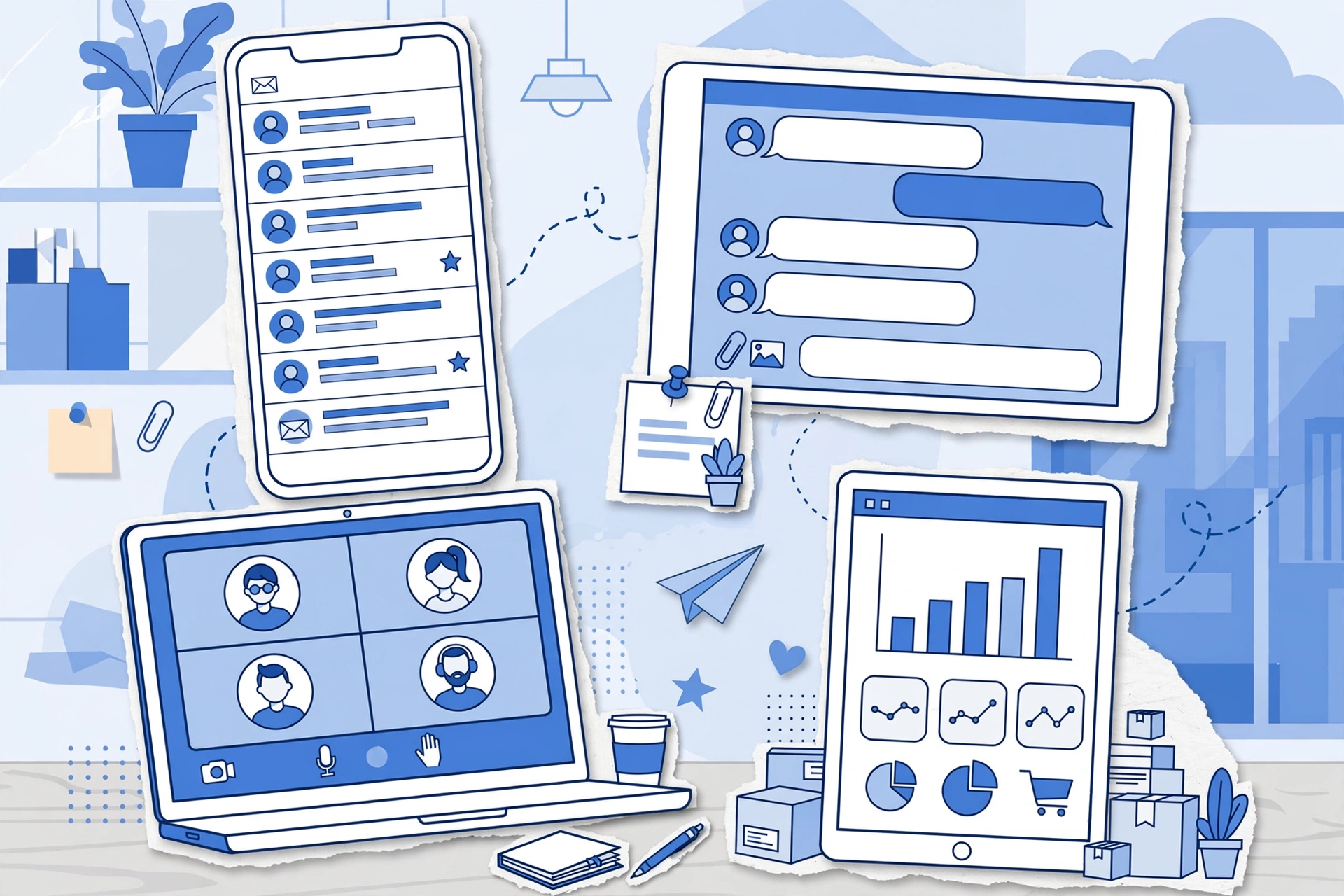
Odds are you already use SaaS every day. Here are examples most U.S., U.K., and Canadian small businesses will recognize:
- Google Workspace — Gmail, Docs, Drive, and Meet bundled per user, per month.
- Microsoft 365 — Word, Excel, and Teams running in the browser instead of installed from a disc.
- Salesforce — the CRM giant; your sales pipeline lives online, not in a spreadsheet.
- HubSpot — marketing, sales, and support tools built for smaller teams, free to start and easy to grow with.
- Slack — team chat that replaced most internal email at thousands of companies.
- Zoom — video meetings that need no hardware beyond a laptop.
- QuickBooks Online — bookkeeping and payroll for U.S. small businesses, with reports your accountant can pull directly at tax time.
- Shopify — launch an online store in a weekend; Shopify handles hosting, checkout, and payments.
- Stripe — accept card payments online without building payment infrastructure yourself.
- Canva — design graphics in the browser; nothing to install.
- Dropbox — file storage and sharing that follows you across devices.
Notice the pattern: no installation discs, no servers in a closet, no waiting for an IT contractor. You sign up, you log in, you work.
SaaS vs PaaS vs IaaS: what’s the difference?
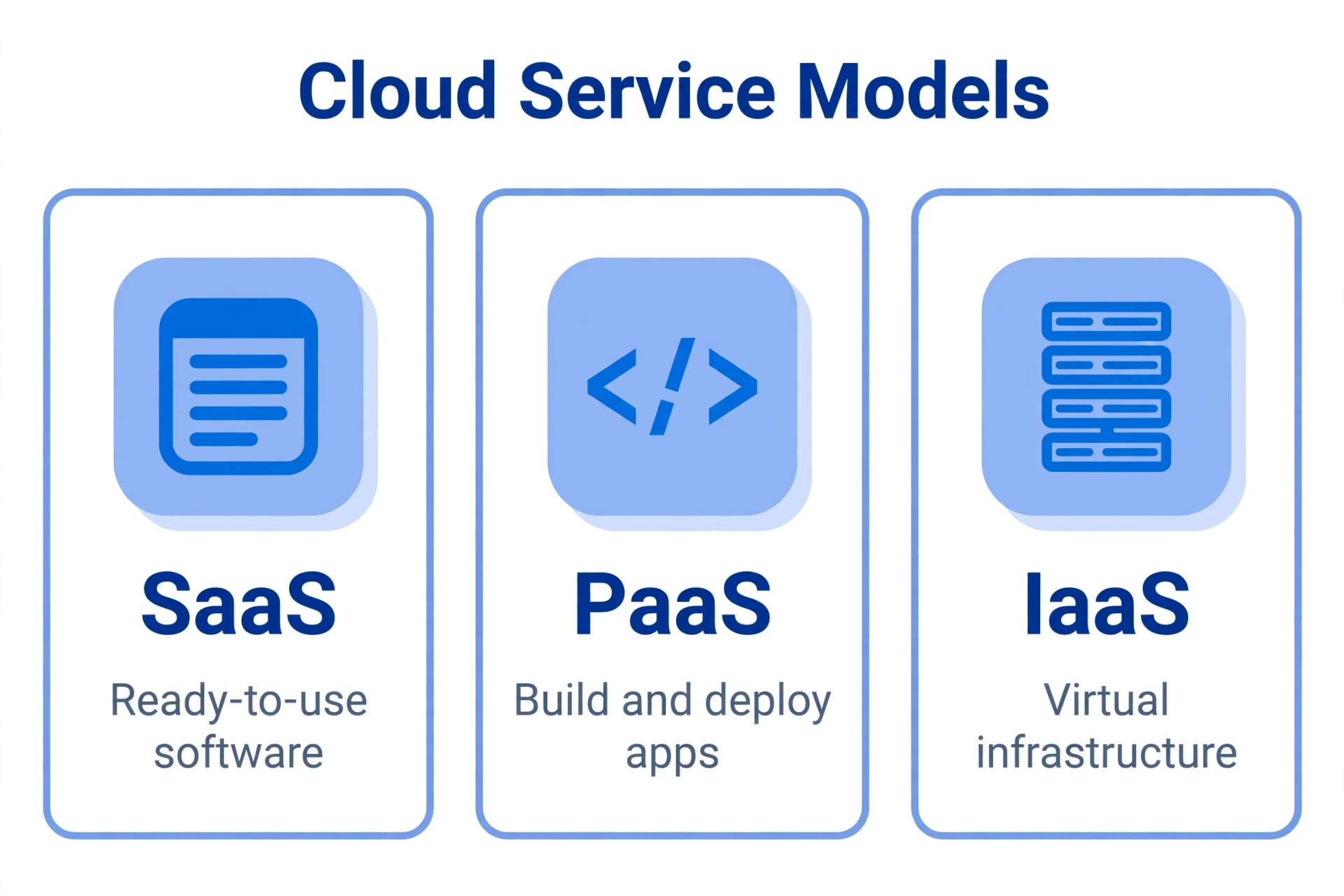
People mix these up constantly, so here is the short version. All three are cloud computing. The difference is how much the provider manages versus how much you manage:
| SaaS | PaaS | IaaS | |
|---|---|---|---|
| What you get | Finished software you log into | A platform to build and run your own apps | Raw computing building blocks |
| Examples | Google Workspace, Salesforce, Shopify | Google App Engine, Heroku, Microsoft Azure App Service | Amazon EC2, Microsoft Azure VMs, Google Compute Engine |
| You manage | Your data and user accounts | Your code, data, and app settings | Your operating system, apps, and data |
| Provider manages | Everything else — servers, storage, updates, security | Servers, operating system, runtime, scaling | Physical hardware and virtualization |
| Best for | Small businesses that want software that just works | Developers shipping apps without managing servers | IT teams that want full control |
If you’re a founder rather than a developer, SaaS is almost always the right answer. You get the finished product; the other two are tools for building products. For a deeper comparison, see our companion guide: The ABCs of Cloud Computing: Exploring SaaS, PaaS, and IaaS.
Why do small businesses choose SaaS?
Large enterprises use SaaS too, but small businesses get the biggest relative win. Here’s why:
1. No big upfront bill. Old-school software meant buying licenses and servers before you’d earned a dollar. SaaS flips that: you pay per user, per month. A 10-person startup can run its entire operation — email, accounting, chat, CRM — for a few hundred dollars a month instead of funding a five-figure IT project.
2. No IT department required. Updates, security patches, and backups happen automatically, usually overnight. When a vulnerability makes the news, your provider’s security team handles it — not you.
3. Work from anywhere. Your designer can be in Austin, your bookkeeper in London, your support rep in Toronto. Everyone logs into the same tools and sees the same data. Remote work made this normal; SaaS made it possible.
4. It scales with you. Hire three people? Add three seats. Slow quarter? Drop to a cheaper plan. Try doing that with software you bought outright.
5. Predictable budgeting. One monthly invoice per tool beats surprise upgrade fees and emergency server repairs.
Picture this: you launch a small e-commerce brand in Dallas. On day one you set up Shopify for the store, Google Workspace for email, QuickBooks Online for the books, and Slack for team chat. No servers, no IT hire, and you’re taking orders by Friday. Ten years ago, that setup took months and a consultant.
The shift is massive. Gartner has projected that businesses would spend over $232 billion on SaaS in 2025 alone — the largest slice of public cloud spending. When money moves that fast, it pays to understand what you’re buying.

Are cloud computing and SaaS the same thing?
No — and this is the most common point of confusion. Cloud computing is the big umbrella; SaaS is one service model under it.
A helpful way to think about it: cloud computing means renting computing power over the internet instead of owning hardware. SaaS is one specific thing you can rent — finished software. IaaS and PaaS are the other two.
There’s a related distinction worth knowing: not everything “in the cloud” is SaaS. If a company builds its own custom app and hosts it on rented servers, that’s cloud-based but not SaaS — nobody else can subscribe to it. SaaS specifically means a finished product a provider sells as a subscription to many customers.
Is SaaS safe enough for my business data?
Short answer: for most small businesses, reputable SaaS is safer than the alternative — a single office computer or an aging server in the back room.
Remember the shared responsibility split. The provider secures the platform: encrypted data centers, round-the-clock monitoring, and security teams you could never afford to hire. You secure your side of the deal: strong passwords, two-factor authentication, limiting who gets admin access, and removing accounts when employees leave. Most SaaS security incidents trace back to the customer side — weak or shared passwords — not to the provider getting breached.
Before trusting a provider with sensitive data, check for recognized security certifications such as SOC 2 or ISO 27001, and read how they handle backups and data exports. The big names — Google, Microsoft, Salesforce — publish this openly.
What are the downsides of SaaS?
SaaS isn’t perfect. Go in with your eyes open:
Subscriptions add up. Ten tools at $15 per user per month across a 12-person team is over $20,000 a year. Unused licenses pile up quietly — finance teams call it “SaaS sprawl.” Audit your subscriptions at least once a year and cancel what nobody opens.
You need the internet. No connection, no software. Most tools have offline modes now, but SaaS assumes you’re online.
Less customization. You get the provider’s roadmap, not your own. If you need deeply custom workflows, you may eventually outgrow a given tool.
Switching takes effort. Moving years of data out of one CRM and into another is a project. Before you commit, check how easily you can export your data — good providers make this simple.
SaaS in cloud computing: frequently asked questions
Is ChatGPT a SaaS or PaaS?
The ChatGPT app you log into and chat with is SaaS — finished software delivered over the internet on a subscription. OpenAI’s API, which developers use to build their own apps on top of the models, works more like a platform (PaaS). Same company, two different cloud models.
Is Netflix a SaaS?
Technically, yes. Netflix delivers software — its streaming service — over the internet on a monthly subscription, which is the consumer version of the SaaS model. When businesses say “SaaS,” they usually mean work tools like Salesforce or Slack, but the model is the same.
What is replacing SaaS?
Nothing on the horizon. If anything, SaaS is absorbing the next wave: nearly every major SaaS product now ships with AI features built in. Some analysts talk about AI agents changing how we interact with software, but businesses keep spending more on SaaS every year — Gartner’s $232 billion projection says it all. The model isn’t dying; it’s evolving.
Who are the biggest SaaS providers?
By revenue and market presence, the giants are Microsoft, Salesforce, Google, Adobe, Oracle, and SAP. For small businesses specifically, the names you’ll actually buy from are often Shopify, HubSpot, Intuit (QuickBooks), Zoom, and Slack.
Do I need an IT team to use SaaS?
No — that’s the whole point. The provider handles servers, updates, and security. Your job is managing user accounts and your own data. Most 10-person companies run entirely on SaaS with zero IT staff.
Can my team use SaaS across different countries?
Absolutely — that’s one of its strengths. A founder in Texas, a designer in London, and a virtual assistant in Toronto all log into the same tools and see the same data. Just check each provider’s data-residency options if you handle regulated customer data in the U.K. or EU.
The bottom line on SaaS in cloud computing
SaaS in cloud computing is simply software you rent over the internet instead of owning outright. The provider runs the technology; you log in and get to work. For a small business, that trade — a predictable monthly fee in exchange for no servers, no installs, and no IT headaches — is one of the best deals in modern business.
Start with the tools that remove your biggest pain: accounting, email, or customer management. Master those, then expand. And if you want the fundamentals, revisit our beginner’s guide to SaaS software and the ABCs of cloud computing anytime.